How do you control a video game?
Designing for Accessibility

In this activity, students work in groups to design a game controller for their smartphones. The challenge is not just to make a controller that works, but to make one that is accessible and easy to use for everyone — including people with physical limitations.
Through a process of tinkering and continuous testing, students explore how interaction design decisions directly affect the player experience. Each design choice has immediate consequences they can feel and observe in the game.
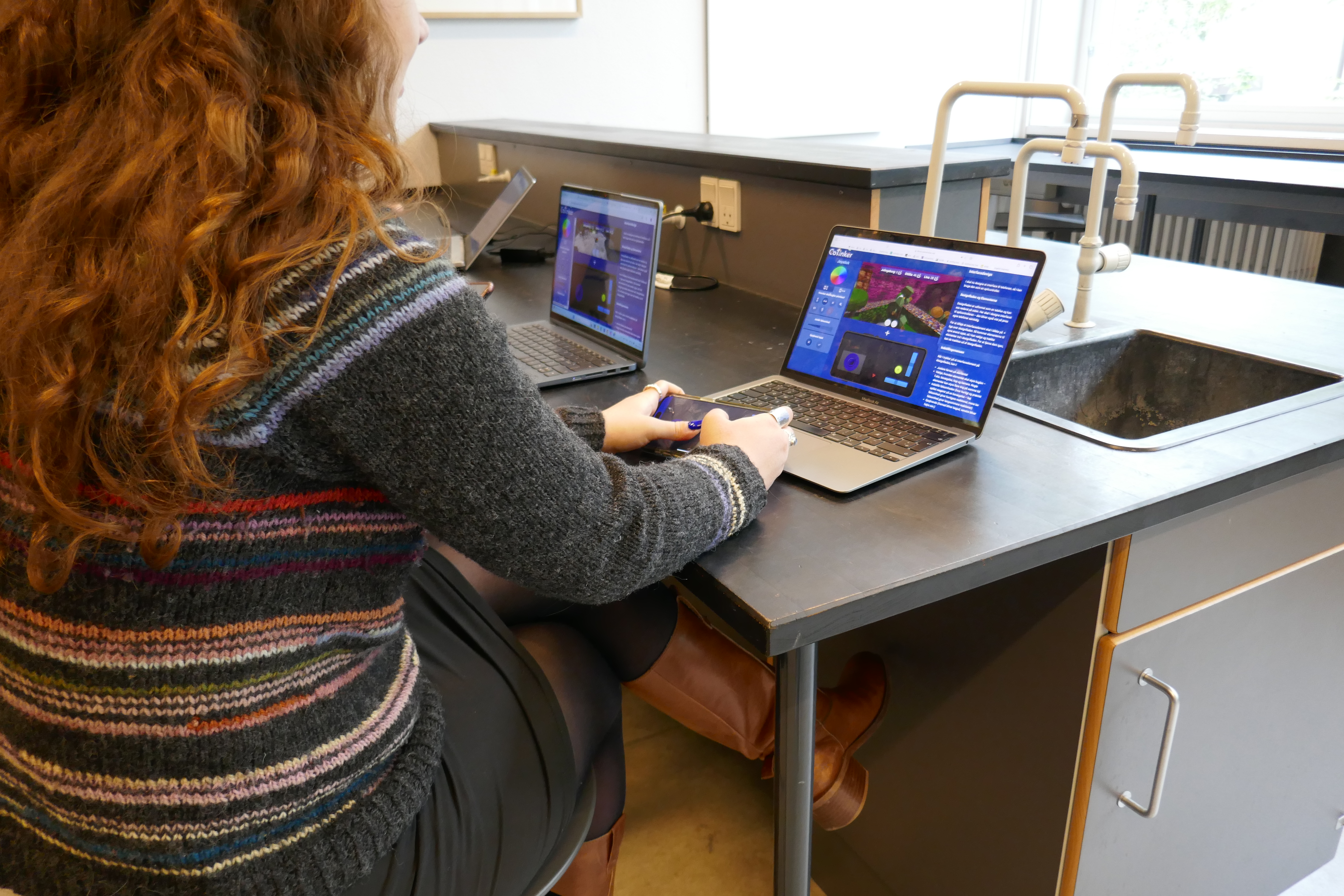
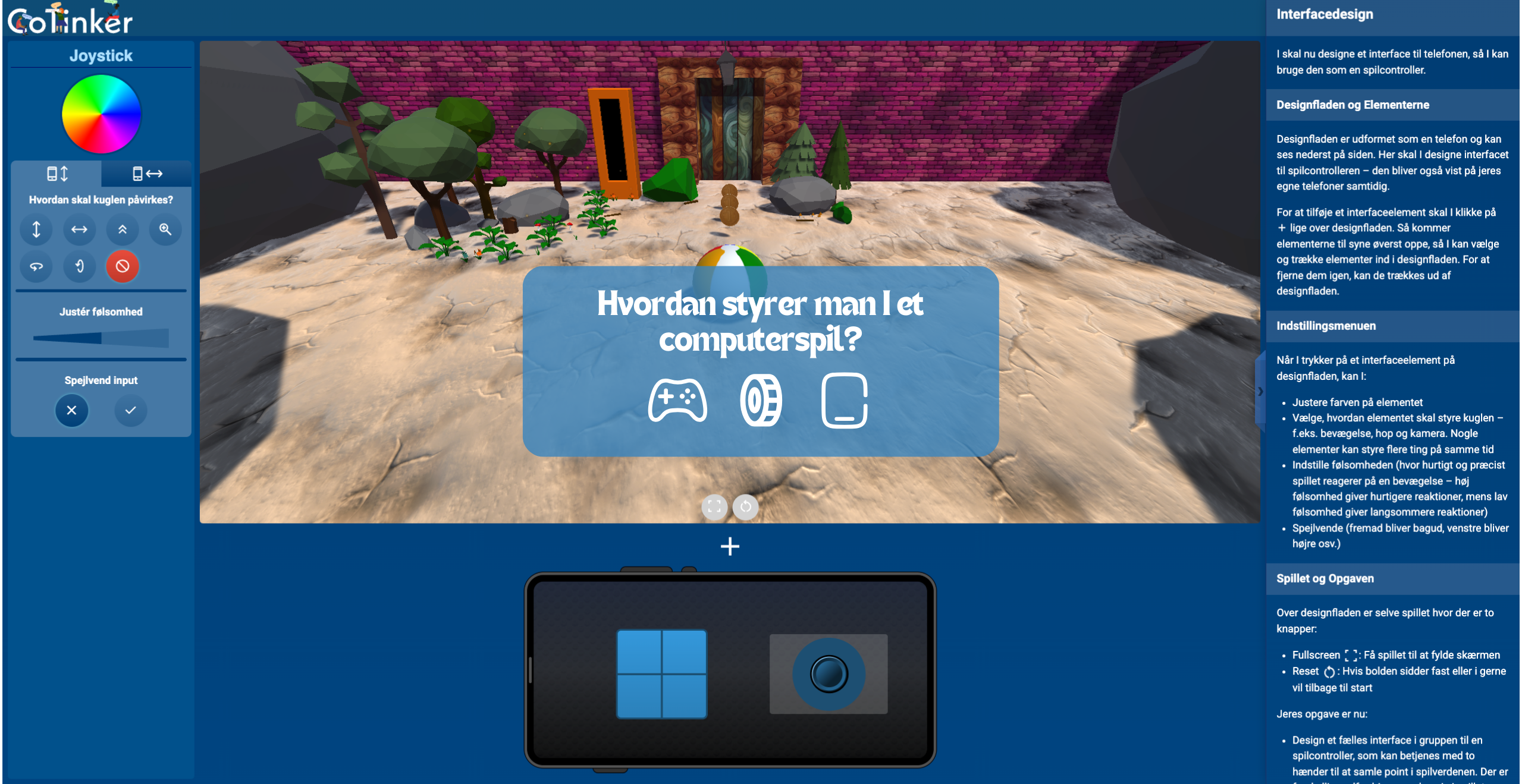
The activity begins by introducing students to the concept of accessibility, where they investigate their own limitations through an interactive thumb zone task on a smartphone. Students then design a game controller for their smartphone in a visual editor, working with the mapping and placement of interface elements to inputs as well as sensitivity.
In the next part, students design a controller that uses sensor input from the phone (e.g. the gyroscope), and work on making the controller accessible for people who cannot necessarily use both hands.
Students test their controller by playing a game inside CoTinker, where they continuously encounter new challenges that require a redesign. In this way, they also work with iterative design processes, where the full system is not described from the start but gradually built up through tinkering and testing.
The module addresses core curriculum areas including “Interaktionsdesign”, “HCI”, and “Computerspil”, while strengthening competencies in “digital design” and “design proces”. The activity takes approximately 90 minutes and can be distributed across multiple lessons — CoTinker saves progress between sessions.
